


Co-Founder

WordPress web development allows the creation of simple blogs, complex eCommerce platforms, with WordPress platform. It provides an open-source CMS used for customisation and development.
The best frameworks for WordPress web development include Genesis Framework, Underscores (_s), Sage by Roots, Beans Framework, and Redux Framework. They provide a solid foundation for theme development and customisation. Allow developers to build secure, scalable, and high-performance websites while ensuring ease of future updates and changes.
The programming languages used for WordPress web development are PHP, MySQL, HTML, CSS, and JavaScript. These languages work together to power a responsive, dynamic, and user-friendly WordPress website.
To develop a custom WordPress site, the process involves planning, setting up the development environment, choosing and customising a theme, developing custom plugins, optimising for SEO, testing functionality, deploying the website, and performing ongoing maintenance.
According to a study by WPZOOM titled “How Many Websites Use WordPress? April 2025 Statistics,” 2025, WordPress powers 43.5% of all websites as their CMS, dominating the CMS market with a 61.4% market share globally.
WordPress web development refers to the creation, design, and management of websites using the WordPress content management system. It involves building custom themes, integrating plugins, managing hosting, and applying coding solutions that match specific business goals.
You use WordPress to create a website that remains flexible, scalable, and manageable without needing constant technical oversight. WordPress web development supports practical outcomes for businesses in the UK.
WordPress-powered platforms are used by startups, charities, healthcare providers, and education services to run booking systems, host blogs, display service information, and manage donations. WordPress allows you to maintain full control of your website while scaling your business online.
Yes, WordPress web development is worth it for many businesses, especially for those looking for cost-effective, flexible solutions. It provides an accessible platform for building professional websites without the high upfront costs of custom development.
WordPress is a powerful tool that scales with your business, from small websites to large, complex platforms. Its ease of use and large ecosystem of plugins and themes make it a practical choice for many companies aiming to enhance their online presence without relying heavily on technical resources.
A WordPress web developer is a professional who specialises in building, maintaining, and customising websites using the WordPress content management system. They focus on creating unique, functional websites by developing custom themes, plugins, and features customised to a client's needs. They work with both the front end, which is visible to the user, and the back end, which handles the website's server-side operations.
WordPress web developers handle tasks such as designing a website's layout and structure, implementing functionality such as forms or eCommerce tools, ensuring the website is responsive across devices, and optimising the site for speed and security. They also troubleshoot and maintain websites to ensure that all components continue to work efficiently over time.
A WordPress web developer must have a strong understanding of web programming languages like HTML, CSS, JavaScript, and PHP.
A background in computer science or a related field is beneficial, though many developers also gain expertise through hands-on experience or specialised WordPress development courses. Knowledge of SEO, UX/UI design principles, and web security practices is also important for effective development.
The best frameworks for WordPress web development include the Genesis Framework,Underscores (_s), Sage (By Roots), Beans Framework, and Redux Framework. Each offers unique features that make it suitable for different types of WordPress websites.
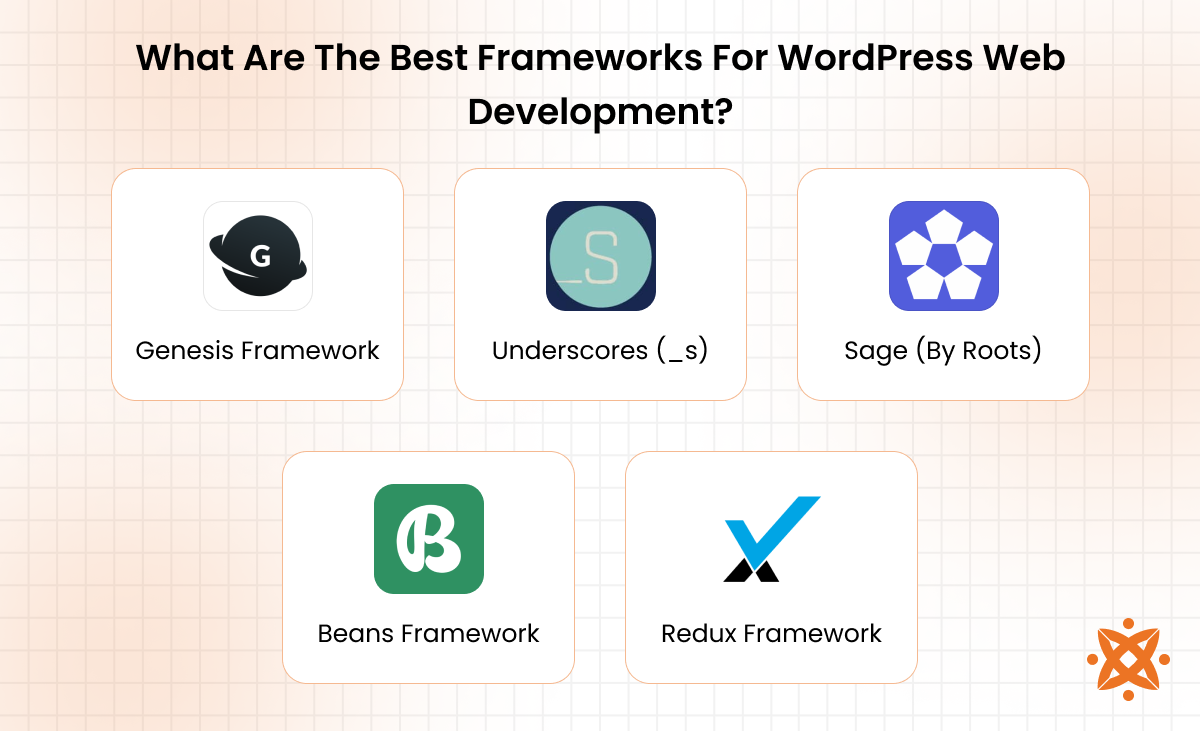
The best frameworks for WordPress web development are:
The programming languages used for WordPress web development include JavaScript, HTML, PHP, CSS, and SQL (MySQL). Each plays a critical role in creating, styling, and managing dynamic WordPress websites, enabling developers to build user-friendly, interactive, and high-performance sites.
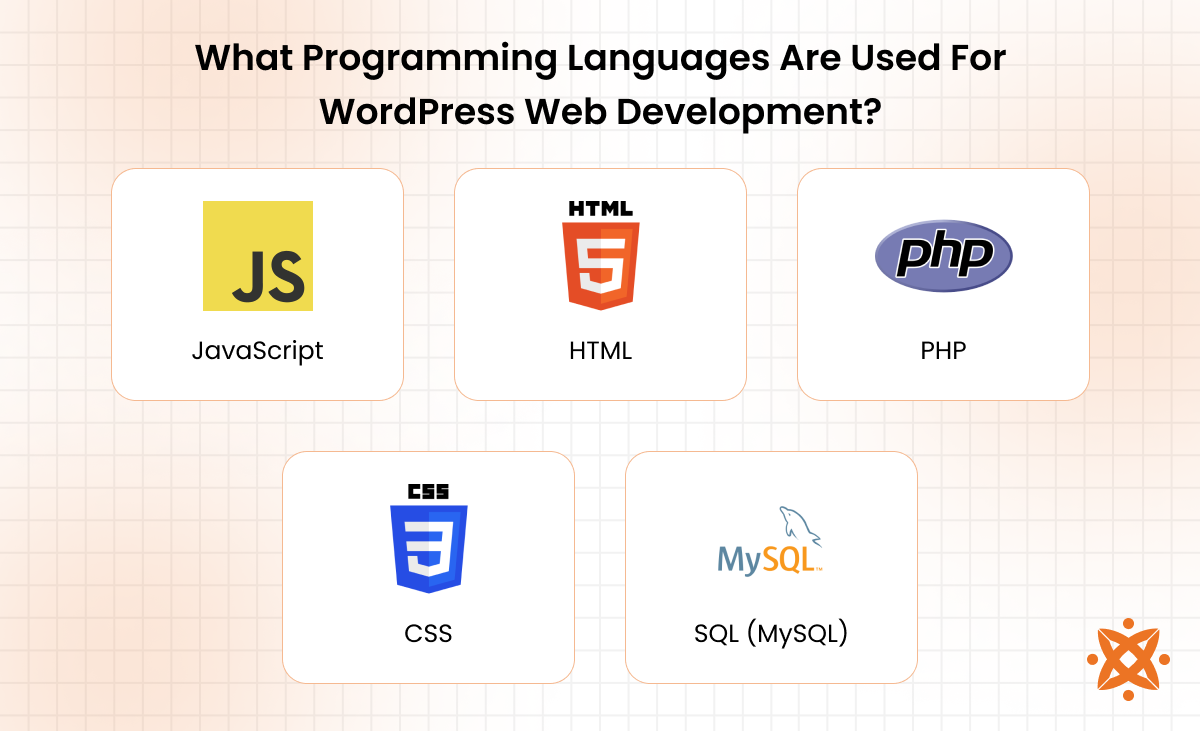
The programming languages used for WordPress web development are explained below:
To develop a custom WordPress site, the steps involved are planning, development environment, choosing a theme, customising the theme, developing custom plugins, optimising for SEO, testing, deploying the website, and ongoing maintenance. Each of these steps ensures that the site is customised to meet the specific needs of the business and provides a high-quality user experience.
To develop a custom WordPress site, the steps involved are as follows:
The first step in developing a custom WordPress site is planning and requirements gathering. This phase involves defining the website's purpose, goals, and target audience. You must gather all relevant information regarding functionality, design preferences, content needs, and user experience expectations.
Planning ensures that the website not only meets business objectives but also delivers a smooth and engaging user experience. This process serves as the foundation for every subsequent stage of development, providing clear direction and reducing the risk of changes during later stages.
The next step is setting up a development environment. This involves creating a local or staging environment where you build and test the WordPress site without affecting the live website. Tools like XAMPP or Local by Flywheel are commonly used to set up a local development environment.
By installing WordPress on your local server, you test functionality, design, and performance in a controlled setting before deployment. Ensuring that necessary plugins and configurations are installed allows for smooth development and troubleshooting without disrupting the live site.
The next step is choosing a theme or framework. In this phase, you select an appropriate WordPress theme or framework that aligns with your website's goals. If you're looking for a ready-made solution, pre-built themes offer a quick way to get started, but they have limited customisation options.
For more flexibility, a custom framework such as Genesis or Underscores (_s) allows for deeper control over design and functionality. A well-chosen theme or framework provides a strong foundation that supports efficient development, ensures good performance, and meets the project's specific needs.
The next step is customising the theme. After selecting a theme or framework, you customise it to match your specific design and functionality requirements. This involves modifying the theme's CSS for style adjustments, adding custom PHP code to introduce new features, and building custom templates to enhance the user experience.
Customising the theme ensures that the website reflects the business's unique identity and needs. It allows for the incorporation of brand-specific colours, layouts, and features, making the site both visually appealing and functionally efficient.
The next step is developing custom plugins. If additional functionality is required beyond what the chosen theme or framework offers, custom plugins are created to extend the site's capabilities. Plugins add features such as contact forms, social media integration, or eCommerce tools like WooCommerce.
When developing custom plugins, it's important to ensure they are lightweight, secure, and optimised for performance. Well-developed plugins enhance the site's functionality and provide flexibility for future updates and expansions.
The next step is optimising for SEO. SEO (Search Engine Optimisation) is critical for improving the website's visibility on search engines like Google. In this phase, you integrate best practices such as optimising title tags, meta descriptions, URL structure, and image alt text to make the site more search engine-friendly.
You also ensure that the content is well-structured, keyword-rich, and easily crawlable by search engines. Proper SEO implementation increases the likelihood of ranking higher in search results, driving more organic traffic to the site, and improving its overall reach.
The next step is testing the site. This phase involves thoroughly checking the website for performance, compatibility, and overall user experience. Test all features, such as forms, links, and interactive elements, across different devices and browsers to ensure they function correctly.
Pay attention to site speed, load times, and responsiveness to make sure the website provides a smooth experience for all users. Comprehensive testing ensures that any issues are identified and resolved before the site goes live.
The next step is deploying the website. Once testing is complete and any necessary adjustments have been made, you transfer the site to the live environment. This involves moving all files from the development server to the live hosting platform, setting up the domain, and ensuring the site is fully functional on the public-facing server.
During deployment, it is important to ensure that all security measures, such as backups and firewalls, are in place. This step marks the official launch of the website, making it accessible to the intended audience.
The final step is ongoing maintenance and updates. After the website is live, it's important to regularly update the WordPress core, themes, and plugins to ensure they remain secure and function optimally. Monitoring the site for issues, such as broken links or outdated content, is vital for maintaining a smooth user experience.
Also, User feedback should be evaluated to identify opportunities for improvement or new features, ensuring the website continues to meet evolving needs.
To choose between WordPress development and custom WordPress development, consider the website's requirements, budget, and long-term goals. WordPress development is ideal for businesses seeking a cost-effective, quick-to-launch solution with pre-built themes and plugins. It works well for sites that don't require extensive customisation or advanced functionality.
On the other hand, custom WordPress development is more suitable for businesses that need a highly customised solution with specific features, unique designs, and complex functionality. This approach offers greater flexibility but comes at a higher cost and development time.
According to a study by W3Techs titled “Usage Statistics and Market Share of Content Management Systems,” 2024, 65% of websites globally use WordPress due to its ease of use and flexibility, while 30% of developers opt for custom solutions for larger projects requiring specific functionality and design.
When making the decision, you should also consider scalability. A custom-built solution is the better option if your site is expected to grow or handle complex tasks, as it allows more control over performance and security. For businesses with limited budgets or those needing a faster time-to-market, WordPress development is an efficient and effective choice.
The main difference between WordPress web development and SEO (Search Engine Optimisation) is their focus and purpose. WordPress web development is the process of building, designing, and customising a website using the WordPress content management system. It involves creating the site's structure, layout, and functionality to meet business goals.
SEO, on the other hand, focuses on optimising the website's content and technical aspects to improve its visibility on search engines like Google.
While WordPress web development ensures the website is functional and user-friendly, SEO works to make it discoverable by search engines. SEO involves practices such as keyword optimisation, improving page speed, and ensuring that meta descriptions, title tags, and content are customised for search engine algorithms.
The secondary difference lies in how these two areas interact; WordPress web development provides the foundation, and SEO fine-tunes the content and performance to ensure the site ranks well in search engine results.
The main difference between WordPress web development and web development is that WordPress web development specifically refers to the creation of websites using the WordPress platform. In contrast, web development is a broader field that involves building websites using a variety of technologies and platforms.
WordPress web development focuses on customising themes, plugins, and content management systems customised to WordPress. Meanwhile, web development involves custom-built solutions using programming languages like HTML, CSS, JavaScript, and backend systems such as PHP or Python.
The secondary difference lies in the approach and flexibility. WordPress web development is faster and more cost-effective, relying on pre-built themes and plugins for quick customisation.
On the other hand, web development provides more flexibility, allowing developers to create websites from scratch with more control over functionality and design. This leads to a more personalised, bespoke product but requires more time and resources.
The main difference between WordPress web development and WordPress web application development is that WordPress web development focuses on building websites using the WordPress platform, while WordPress web application development involves creating more complex, interactive applications using WordPress as the backend.
Web applications require more advanced functionality, such as real-time data processing, user authentication, and complex interactivity.
WordPress web development is centred around content management and presentation, whereas web application development is focused on providing dynamic, interactive user experiences with custom features. Web applications also require more extensive backend programming, whereas WordPress development relies heavily on themes and plugins for functionality.
To choose the right WordPress web developer, consider their experience and portfolio, technical skills, SEO knowledge, communication and support, understanding of business goals, budget and timeline. A developer who understands your industry is able to offer customised solutions that ensure your website's functionality, user experience, and performance align with your business objectives.
To choose the right WordPress web developer, the factors to consider are:
If you're looking for expert WordPress web development services, consider Intelivita for your project. With offices in the UK, USA, Canada, India, and Australia, we offer high-quality, custom WordPress solutions suited to your business needs.
Reach out to Intelivita for top-tier WordPress web development that ensures your website excels.
The average cost of WordPress web development in the UK ranges from £1,500 to £10,000, depending on the complexity of the project and the level of customisation required. A simple WordPress website with a pre-designed theme and basic functionality costs on the lower end of this range.
On the other hand, a fully custom-built website with advanced features such as eCommerce functionality, custom plugins, and unique designs costs towards the higher end.
Several factors influence the cost, including the developer's experience, the scope of the project, and the specific features you require. Developers with more experience or agencies with a larger team generally charge higher rates. The more customisation and complexity involved, for example, integrating third-party systems, custom plugins, or advanced SEO features, the higher the cost is.
Other factors include the timeline, ongoing maintenance, and whether the website needs to be mobile optimised or responsive. If you require a faster turnaround or post-launch support, these also increase the overall cost. Hosting, domain fees, and premium themes or plugins contribute to the overall development expenses.
The best practices for WordPress web development include optimising website performance, ensuring mobile responsiveness, implementing strong security measures, using SEO-friendly structures, regularly updating and backing up, choosing reliable themes and plugins, and focusing on user experience (UX). Following these practices ensures that the site is fast, secure, and well-optimised for both search engines and users.
The best practices for WordPress web development are:
The top trends in WordPress web development include mobile-first design, blockchain integration, AI-powered chatbots, voice search optimisation, single-page websites, eCommerce growth, progressive web apps (PWAs), minimalist design, AMP (Accelerated Mobile Pages), and custom Gutenberg blocks. These trends reflect the evolving needs of businesses and users, focusing on performance, interactivity, and user experience.
The top trends in WordPress web development are explained below:
The essential plugins for a WordPress website are Yoast SEO, WooCommerce, Wordfence Security, Elementor, WP Super Cache, UpdraftPlus, and Contact Form 7. These plugins are critical for improving SEO, security, site speed, user engagement, and backups, ensuring a well-rounded and functional website.
Yoast SEO helps optimise the website for search engines, WooCommerce enables eCommerce functionality, and Wordfence Security ensures robust protection against threats. Elementor provides an intuitive page builder, WP Super Cache speeds up page loading times, UpdraftPlus manages backups, and Contact Form 7 simplifies form creation for better user interaction.
WordPress handles SEO and site optimisation with Yoast SEO, All in One SEO, WP Rocket, and Google XML Sitemaps. These plugins help improve search engine rankings by optimising content, metadata, site speed, and ensuring a proper site structure for indexing.
WordPress also handles SEO through its user-friendly interface for editing title tags, meta descriptions, and URL structures. Also, plugins like WP Rocket help with performance optimisation by enabling caching and reducing page load times, which is important for both SEO and user experience.
You can secure a WordPress website from hackers by using strong passwords, installing security plugins, keeping WordPress, themes, and plugins updated, enabling two-factor authentication, and regularly backing up your site. These steps minimise the risk of unauthorised access and ensure that the website is protected against common vulnerabilities.
Security plugins like Wordfence Security and Sucuri offer firewall protection, malware scanning, and login attempt monitoring. Regular updates ensure that any known vulnerabilities in WordPress core files or plugins are patched, while backups allow for quick recovery in case of an attack.
The difference between themes and page builders in WordPress is that themes control the overall design and layout of the website, while page builders are tools that allow for drag-and-drop customisation of individual pages. Themes provide a structural foundation, setting the basic look and feel, whereas page builders offer flexibility to create unique page layouts without coding.
Themes usually include predefined templates, fonts, and styles that apply globally across the site. Page builders like Elementor or WPBakery provide an intuitive interface for building custom pages, offering full control over the layout, content, and design elements of each page. Themes are used in conjunction with page builders to provide both structure and customisation options.
The key practices for maintaining and updating a WordPress website long-term are regularly updating WordPress core, themes, and plugins, performing backups, optimising site performance, monitoring site security, and testing functionality. These steps help ensure the site remains secure, fast, and functional over time.
Updating WordPress core files, themes, and plugins fixes vulnerabilities and enhances performance. Regular backups ensure you restore the site in case of issues, while performance optimisation techniques, such as image compression and caching, keep load times fast. Regular security checks and functionality testing further prevent potential issues from arising.
The hosting requirements for a WordPress site are PHP version 7.4 or higher, MySQL version 5.6 or higher, an SSL certificate, adequate storage space, and reliable uptime. These specifications ensure the site functions optimally and is secure.
A good WordPress hosting provider should offer managed services, fast servers, and excellent customer support. The server must also support HTTPS for security, and sufficient storage space is needed for media files, themes, and plugins. Uptime reliability is important to avoid website downtime, which negatively impacts both user experience and SEO.
Migrating a site to WordPress from another CMS involves exporting content from the old CMS, setting up a WordPress site, importing content into WordPress, and adjusting the design and functionality. Using a migration plugin like All-in-One WP Migration or WP Migrate DB simplifies the process by automating content transfer.
Once the content is imported, you need to adjust the design by selecting a WordPress theme that closely matches the previous site or customising it to fit your needs. Additional plugins are required to replicate specific functionalities from the old CMS. Ensuring proper redirects for SEO purposes is also important to maintain search rankings after migration.
The role of the WordPress REST API is to enable external applications to interact with a WordPress site by retrieving and sending data in a structured format. It allows developers to create custom apps, mobile applications, or integrate third-party services with a WordPress site.
The API provides access to site content, including posts, pages, users, and custom data. It enables developers to manipulate and display this information without directly interacting with the WordPress admin interface. The API enhances WordPress's flexibility, allowing it to function as a backend for mobile apps or other platforms.
Sign up now and get notified when we publish a new article!
Co-Founder
Oliver Baker is a co-founder of Intelivita, a leading Web and Mobile App Development Company based in Leeds, UK. Oliver has been at the forefront of the business, expanding it globally and into new technologies including iOS and Android, AR, VR and Mobile Game applications. Oliver excels in Project Management, Leadership, Quality Assurance and Problem Solving and has qualifications with Prince2 and APM. He aims to develop his skills further through a shared interest with other leaders in the Software Markets and the Clients of Intelivita.
